What EnderDash does differently from other Minecraft panels
Most alternatives are built around provisioning, hosting, or generic server control. EnderDash is an agent-powered workspace for the daily work that starts after the server is already running.
There are already plenty of ways to run a Minecraft server. That is not the hard part.
You can use screen or tmux, rent from a host with its own panel such as PebbleHost, or self-host something like Pterodactyl, Pelican, PufferPanel, MCSManager, Crafty, Wisp, Portainer, or Lens.
All of those choices can make sense. EnderDash is not trying to prove that every panel is bad. The practical difference is narrower: EnderDash is built around the daily Minecraft operations work that starts after a server is already online.
That daily work is where things usually get messy. You read logs, edit files, inspect players, check LuckPerms, update plugins, look at database data, and try to explain the state of the server to the rest of your team. Most existing tools help with some of that. Very few make it feel like one coherent workflow.
That is the gap EnderDash is trying to close.
Sources and comparison method
This post was last checked on May 1, 2026. The comparison uses public product pages and documentation for Pterodactyl, Pelican, PufferPanel, MCSManager, Crafty Controller, and WISP.
The goal is not to list every feature every product can possibly support. The goal is to compare product center of gravity: what each tool publicly optimizes for, what you need to run yourself, and where the day-to-day Minecraft admin work happens.
Portainer and Lens are mentioned as infrastructure tools, not as full Minecraft panel replacements. They are useful comparisons because many operators still end up using them beside a Minecraft panel, SSH session, and plugin-specific tools.
The setup model is different
The first big difference is the shape of the product itself.
With EnderDash, you install a plugin agent on each Minecraft server or proxy you want to manage, or run the standalone agent on a host. From there, the browser workspace talks to that agent over encrypted WebRTC, with relay fallback when direct peer-to-peer connectivity is not possible. The point is to manage the server and infrastructure you already have, not to make you stand up another full control plane first.
That is very different from a Pterodactyl-style setup. With those panels, you are usually hosting the panel itself, dealing with the reverse proxy and database around it, owning the login, mail, and auth side of the panel, and then setting up something like Wings or another daemon on every node you want to manage. By the time it is all wired together, you have built another piece of infrastructure that now needs updates, monitoring, and care.
Other self-hosted panels differ in the details, but not in the overall pattern. There is still a panel to host, services to expose, and machine-level plumbing to maintain. If you actually want a hosting control plane, that is reasonable. If you just want a better way to run the servers you already own, it is a lot of extra surface area.
There is also a network difference. EnderDash uses encrypted WebRTC for browser-to-agent communication, which means the server does not need to look like a public website just to be manageable. That matters more than it sounds, especially for home servers, mixed hosting setups, and teams that do not want to expose or babysit a separate panel endpoint for every node.
Where the current alternatives fit
There are good reasons people use the current options.
| Alternative | What it is good at | Where it can feel limiting for this use case |
|---|---|---|
screen / tmux / raw SSH | Full control, no abstraction, works anywhere | No shared workspace, weak mobile ergonomics, and too much manual work around logs, files, and team handoff |
| Hoster panels like PebbleHost | Fast deployment, backups, and convenience | Usually tied to one provider, so switching hosts or mixing providers gets awkward fast |
| Pterodactyl, Pelican, PufferPanel, MCSManager, and Crafty | Self-hosted lifecycle control, nodes, daemons, containers, and broad game support | Strong at running infrastructure, less opinionated about Minecraft-specific daily operations |
| Portainer and Lens-style infrastructure tools | Docker, Kubernetes, and cluster visibility | Strong for infrastructure, but not built around Minecraft console, players, plugins, permissions, or server history |
| WISP | A hosted game panel platform with a broad feature set, including plugin, modpack, file, crash-log, backup, and server-move workflows | Still positioned as a game panel platform, whereas EnderDash is trying to make the operating workspace around each Minecraft server the main product |
The important point is not that these tools are bad. It is that they are aimed at different center points.
screen gives you raw access. Hoster panels give you convenience inside one vendor. Self-hosted panels give you infrastructure control. WISP gets closer to the shape of what EnderDash wants to be, but it is still much more panel-platform oriented than EnderDash is meant to be.
What the panel landscape looks like
Each of the established panels signals its positioning right on its landing page. The shape of the home pages alone tells you what each project is optimizing for.
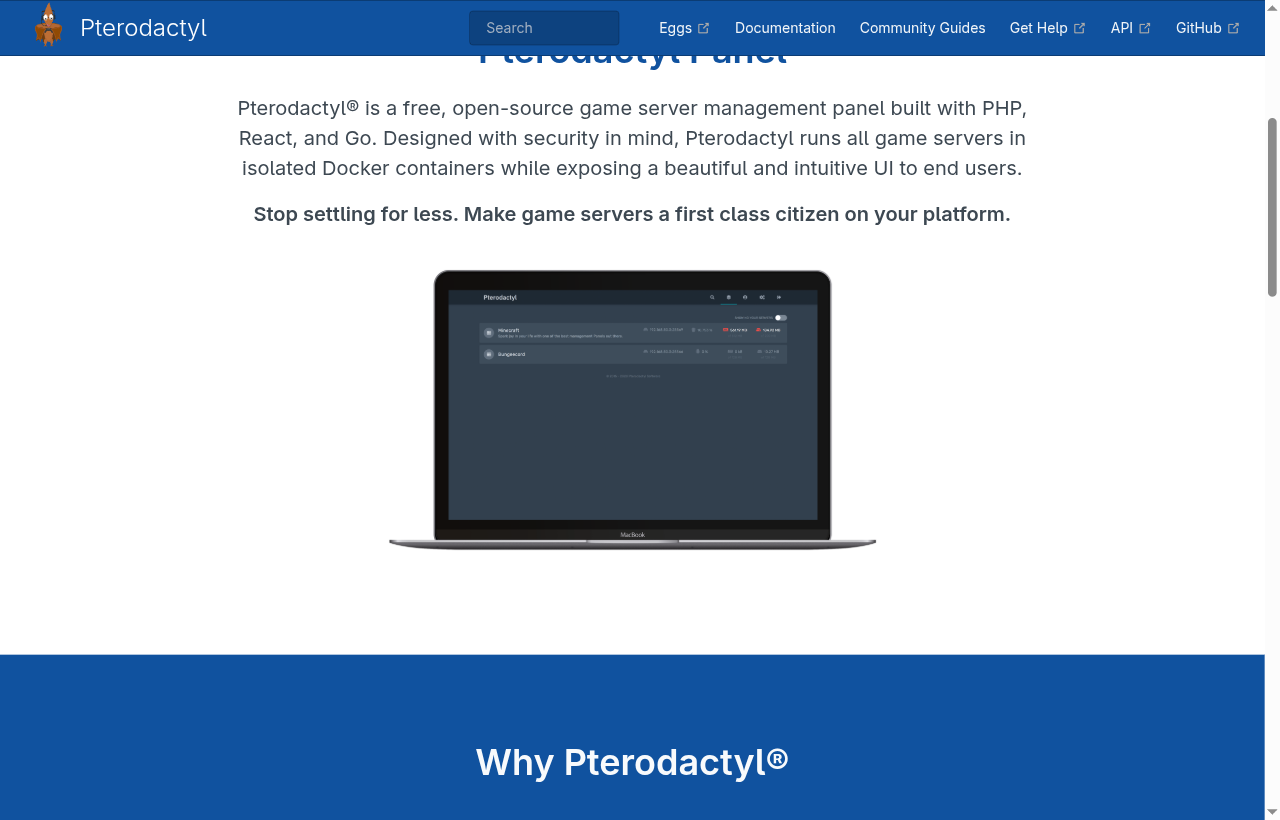
Pterodactyl - self-hosted PHP, React, and Go panel with Docker-isolated nodes.
pterodactyl.io
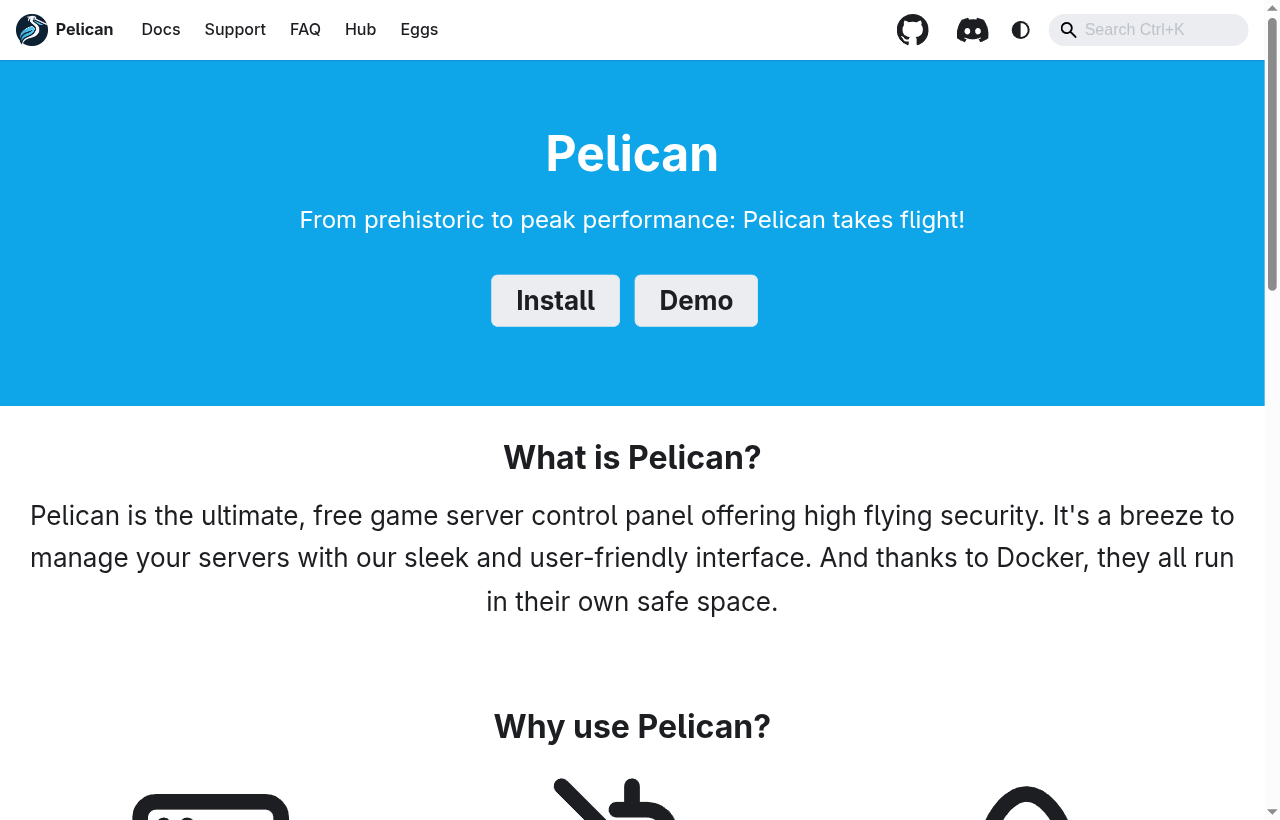
Pelican - Pterodactyl-style control panel with a stronger focus on accessible self-hosting.
pelican.dev
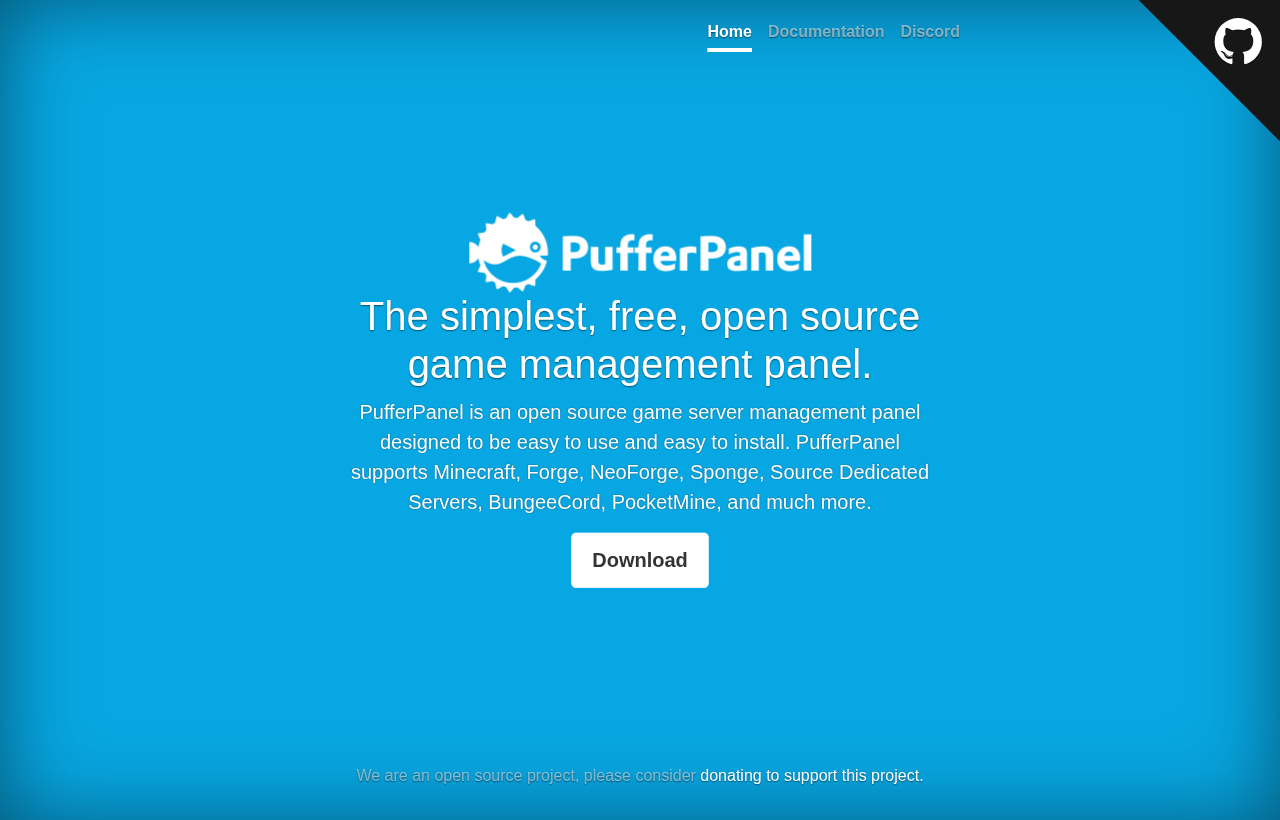
PufferPanel - open-source panel aimed at simple installs and broad game support.
pufferpanel.com
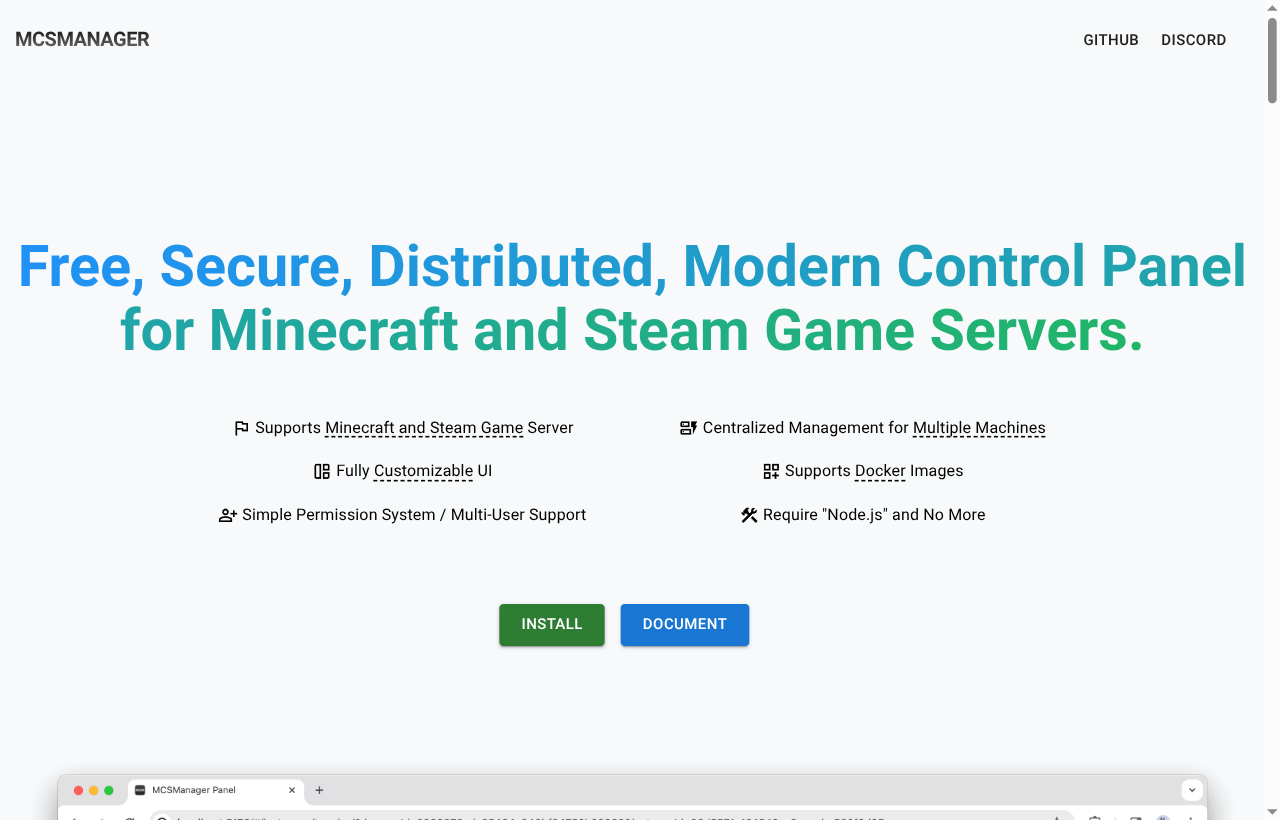
MCSManager - distributed Node-based panel built around centralized management of multiple machines.
mcsmanager.com
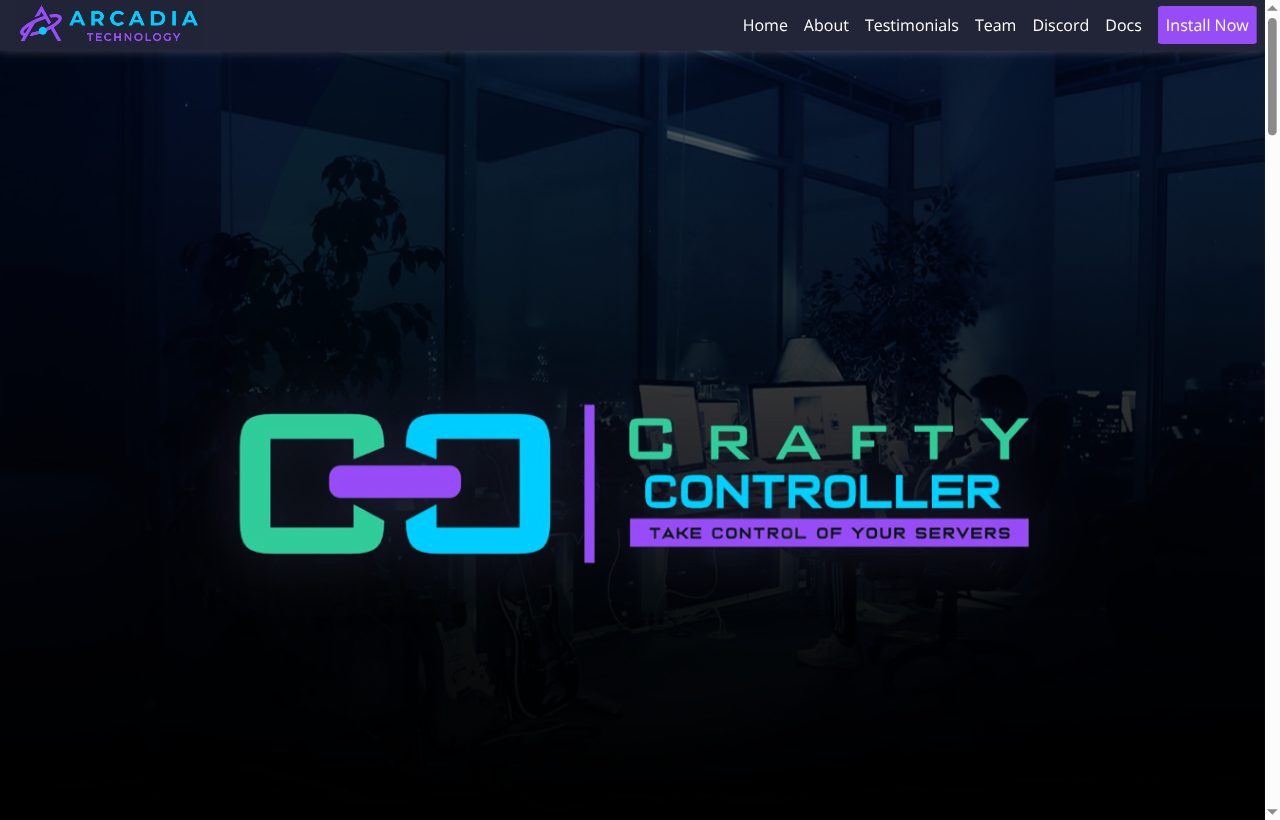
Crafty Controller - Python-based control panel maintained by Arcadia Technology.
craftycontrol.com
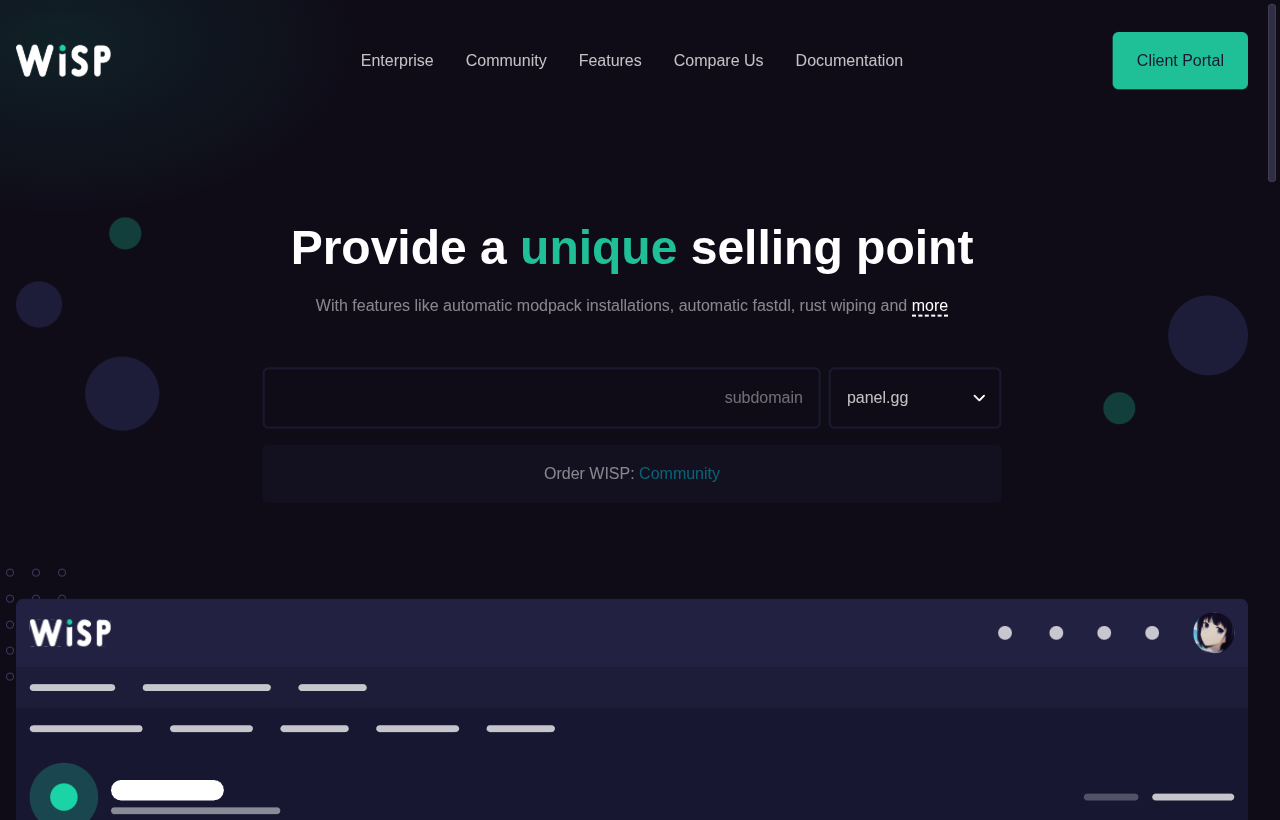
WISP - hosted panel platform sold to game hosters who want a finished product.
wisp.gg
You can see the pattern. Most of these landing pages either lead with the panel UI itself or with the install or demo path that gets you to one. The product is the panel. EnderDash starts somewhere different. The setup is an agent install, and the surface you actually spend time in is built around running the Minecraft server you already have.
Looking at actual day-to-day features
The higher-level difference is useful, but it is also worth getting concrete about what the app is trying to put in one place.
EnderDash already revolves around a shared workspace with panels for console, events, files, plugins, databases, players, permissions, statistics, shell access, host access, and infrastructure views. On top of that, it has organization-level server inventory, cross-server workspaces, activity history, an authenticated HTTP API, and Ocelot with approval boundaries.
In practical terms, that means the current app surface includes:
Consolewith a live stream, buffered history, search, level filters, error and exception markers, mclo.gs upload, and command suggestionsEventswith structured live player, block, entity, world, and server eventsPlayerswith a live player list, stored player search, player profiles, and admin actions like kick, ban, pardon, teleport, OP or deop, and inventory workPermissionswith a LuckPerms editor for groups, tracks, users, and nodesPluginswith installed plugin inventory, catalog search, project linking, update checks, installs, and bulk updatesDatabasewith source management, schema browsing, row paging, insert, update, delete, and expert queriesFileswith browsing, editing, searching, hashing, zip or unzip, remote upload checksums, and diff toolingShellwith host terminal access and scoped command workflows where the target allows itInfrastructurewith Docker, Podman, and Kubernetes workflows for teams that run servers on hosts or clustersStatisticswith live and historical server metrics such as TPS, players, chunks, entities, CPU, memory, network, and Folia-specific data where availableWorkspacewith both a simpler tabs mode and an advanced workspace mode where you can keep several panels open side by sideNetworkwith a multi-server workspace, per-server tiles, an aggregate overview, and a shared live all-players viewOcelotwith server-aware investigation, summaries, proposed changes, and approval boundaries
That is a different feature mix from many traditional panels, but the important claim is not that every feature is unique. WISP publicly documents plugin, modpack, file search, crash-log, remote-backup, server-move, and support-access workflows. Crafty documents player management, commands, settings, files, backups, metrics, schedules, and webhooks. Pterodactyl-style panels can also be extended and integrated in serious ways.
The difference is the product boundary.
| Area | EnderDash center of gravity | What the broader panel landscape usually emphasizes publicly |
|---|---|---|
| Setup model | Install an agent on each server or proxy and keep the server where it already runs | Host the panel, use a host-provided panel, or manage nodes, daemons, and Docker-style lifecycle pieces |
| Daily workspace | Keep console, files, plugins, players, permissions, stats, and team context in one Minecraft-focused workspace | Provide server control surfaces, file managers, console access, backups, and lifecycle management with different depth by product |
| Multi-provider operation | Treat mixed hosts, home boxes, and proxies as one operational surface | Often works, but the product story is usually a panel, hosting platform, node manager, or provider-specific workflow |
| Infrastructure access | Add shell, Docker, Podman, Kubernetes, and database workflows under the same access model where enabled | Often split between SSH, a host panel, Portainer, Lens, or a separate cluster workflow |
| Minecraft-specific context | Build around plugin inventory, LuckPerms, player actions, events, and server history | Often supports Minecraft well, but public positioning is broader: game hosting, server control, self-hosting, or multi-game management |
| AI and approvals | Ocelot prepares or investigates while guardrails keep operators in control | AI-assisted Minecraft operations with approval boundaries are not the public center of most panel products today |
That is the shortest fair version of the comparison. EnderDash is not trying to win by being the most generic panel on the internet. It is trying to make the everyday Minecraft admin loop less fragmented.
What EnderDash is trying to make better
EnderDash is built around the idea that Minecraft administration should feel less fragmented.
Instead of sending admins across a host panel, SSH session, plugin web UI, and chat log, the product is moving toward one place for the day-to-day work:
- console, events, files, plugins, databases, players, permissions, statistics, and host access in one workspace
- shell access, Docker, Podman, and Kubernetes workflows without losing the Minecraft context
- organization-level server inventory and shared workspaces across multiple servers
- full network coverage when the agent is installed across every server and proxy you operate
- durable activity history, so "what changed?" has a real answer
- Ocelot for inspection and repetitive admin work, with approval boundaries instead of blind autonomy
- a small authenticated HTTP API for scripts and internal tooling
Some of those features are individually available elsewhere. That is not the point. The point is that they are supposed to exist together in one product, with one access model, one workspace model, and one view of the server.
That is the real difference. EnderDash is less interested in being the thing that sells or provisions a machine. It is more interested in being the thing you actually want open while you run a Minecraft server every day.
Why that matters
A lot of panels stop at the machine boundary. They can start a process, show a console, expose a file manager, and maybe handle backups. That is useful, but it still leaves a lot of real admin work scattered around external tools and plugin-specific websites.
Minecraft servers are not generic workloads. They have players, permission systems, plugin ecosystems, proxy layers, and operational patterns that do not really fit the shape of a generic game panel or container dashboard.
That is why EnderDash is being built around the server as a working system, not just the host as a box with RAM assigned to it.
If you like your current host, the point is not to replace it. If you already have Docker, the point is not to replace that either. If you run one server on PebbleHost, another on Hetzner, and a proxy at home, the point is to give you one admin surface that still feels native to Minecraft instead of three different half-solutions.
That is the difference in one sentence: most alternatives help you run a machine, panel, or cluster, while EnderDash is trying to help you operate the actual Minecraft server network through one agent-backed workspace.
For the current product surface, start with the docs for Workspaces, Use Ocelot, HTTP API, and Recover an Offline Server.
Related articles
EnderDash is on Product Hunt
EnderDash is now listed on Product Hunt. Here is how we explain the agent-powered Minecraft operations workspace to a broader builder and server-admin community.
Can EnderDash upload custom JARs to Aternos?
EnderDash can make custom JAR uploads and Linux shell access easier on hosts that allow the agent, but it cannot bypass Aternos' free-hosting restrictions.
How to identify bot players and IP ban evasion on a Minecraft server
Learn which network, geography, session, and join-failure signals help reveal bot waves and players who may be bypassing IP bans, and how EnderDash makes that evidence easier to inspect.